Two languages, one page
Bilingual marriage biodata
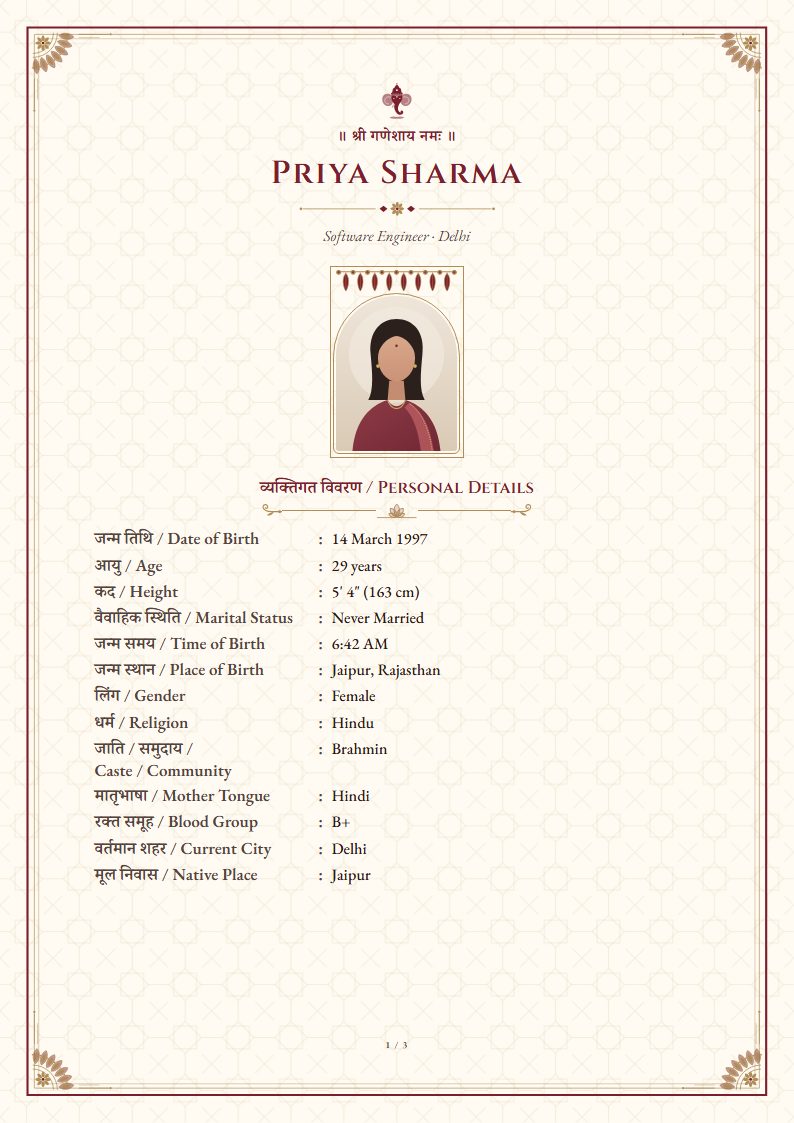
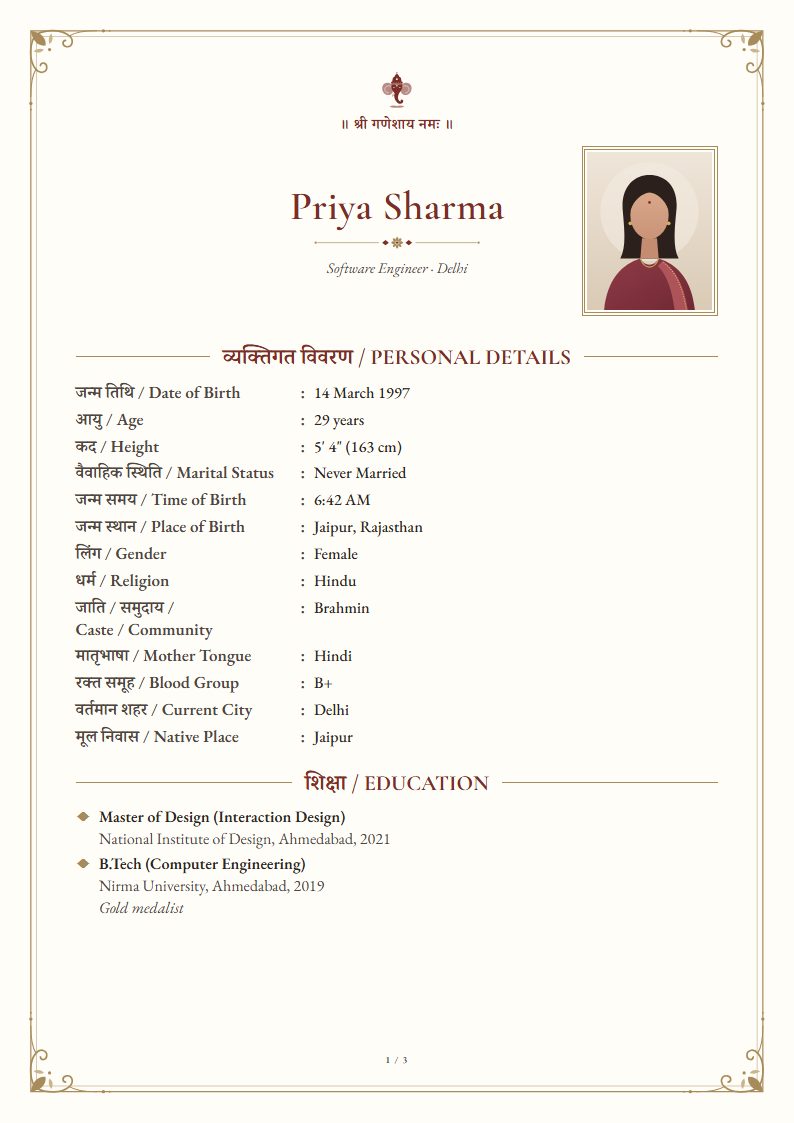
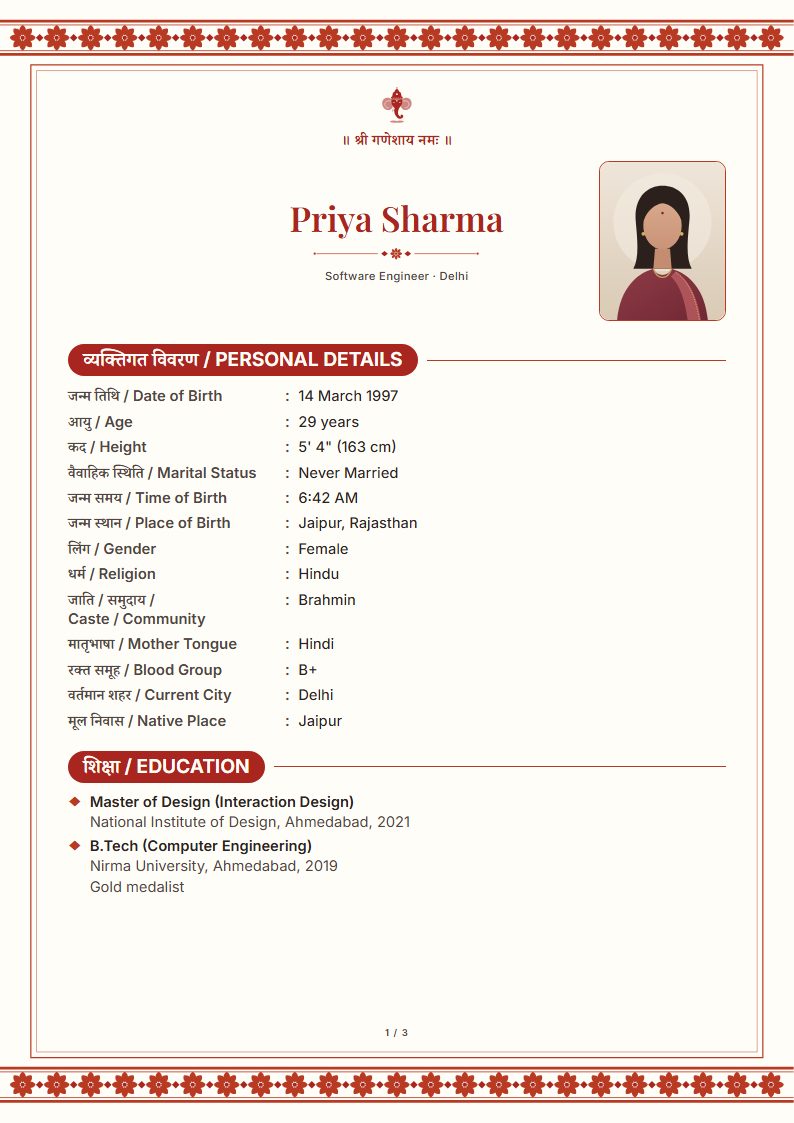
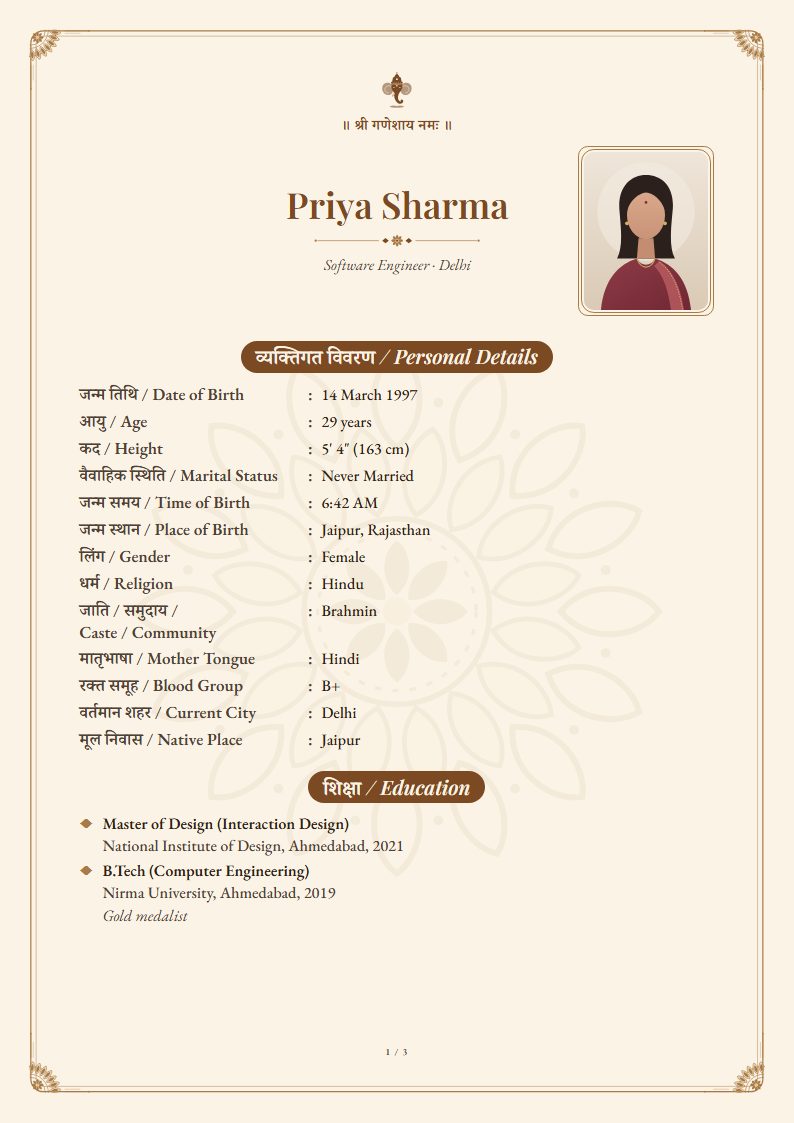
Print every label in your language and in English side by side, “जन्म तिथि / Date of Birth”, with dates and options in English. Families who read either language can follow it, and nothing you typed changes.
Sample designs
Real output from our renderer: the PDF you download looks exactly like this. Start with Rajwada, or pick any design.
When a bilingual biodata helps
- One family reads Hindi, Gujarati or Tamil, and the other mostly English: common in inter-state and NRI matches.
- Elders want to read it in their language, while the couple and relatives abroad read English.
- The same PDF goes to a community matchmaker and on WhatsApp to family friends.
How to make one
- 1
Fill in your details
Type in English or in your language: whatever you type prints exactly as you typed it.
- 2
Choose the language
Open Design and choose your language under “Labels on the page”.
- 3
Turn on “English labels too”
Each label and section heading now prints in both languages. Dates and the options you picked, like Never Married or Vegetarian, print in English so they stay short.
- 4
Check the fit
Two-language labels are longer. Turn on Fit to one page if you want a single A4 page; it tells you if your details need two.
- 5
Download the PDF
Preview it, then download the A4 PDF or save it as an image for WhatsApp.
What the labels look like
| Hindi only | Bilingual |
|---|---|
| जन्म तिथि | जन्म तिथि / Date of Birth |
| कद | कद / Height |
| पिता का नाम | पिता का नाम / Father’s Name |
| मातृभाषा | मातृभाषा / Mother Tongue |
| जीवनसाथी से अपेक्षाएँ | जीवनसाथी से अपेक्षाएँ / Partner Preferences |
Languages you can pair with English
Hindi, Marathi, Gujarati, Punjabi, Bengali, Tamil, Telugu, Kannada and Malayalam. Each guide lists the words the PDF prints. See also the full marriage biodata format.
Questions
Are dates and options printed in both languages too?+
No. Labels and section headings print in both languages; dates and the options you picked (marital status, diet, rashi…) print in English so each row stays short. Turn “English labels too” off to print them in your language instead.
Will the longer labels still fit on one page?+
A dense biodata may need two pages. Fit to one page in Design tightens type and spacing within readable limits, and tells you when your details need a second page.
Does it change what I typed?+
No. Names, places and custom fields print exactly as you typed them, in any language or script.
Is it free?+
Yes. The Free template has unlimited PDF downloads, no watermark and no sign-up. Premium designs are a one-time ₹49, ₹79 or ₹99, and you can preview every one with your own details before paying.
Is my biodata uploaded anywhere?+
No. Your details and photo are saved only in your browser on this device, and the PDF is generated on your device too. There is no account and nothing is sent to a server.
Ready in about ten minutes.
Create your biodata